How to Play Dandle
Dandle is a word puzzle where every word is a physical object. You spell words out of wooden letter cubes, the cubes weld together into one wobbly structure, and you use that structure to reach a glowing goal. Spelling is half the puzzle; the other half is weight, balance and momentum.
The basics: your first word
Every level starts with a single word lying on the floor, such as PLANET or CABIN. To add to it:
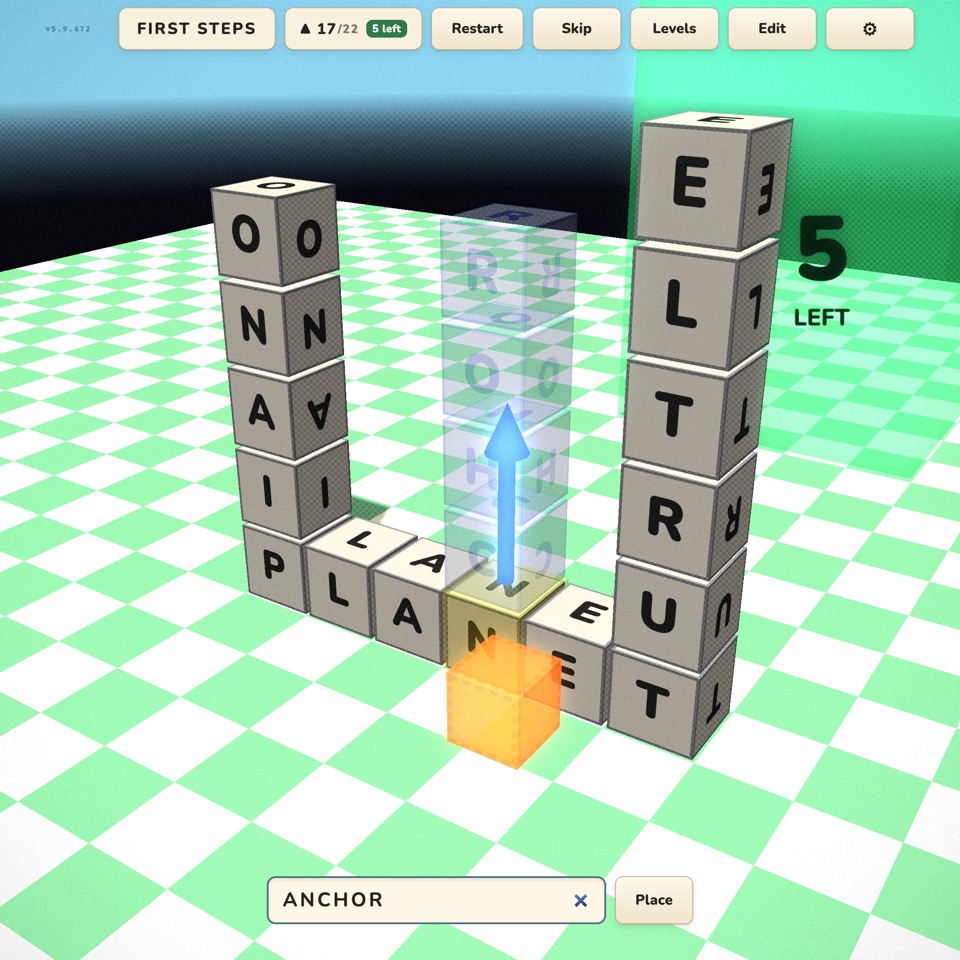
- Pick a letter. Click or tap any cube. It lights up, and a blue arrow shows which way your next word will grow.
- Type a word that contains that letter. A see-through ghost of the word appears so you can check where it will land before you commit.
- Aim and place. Turn the arrow to choose one of the six directions (along the floor, straight up, or down), then place the word. Its letters fly in and join the structure.
The selected letter is shared: if you pick the A in CABIN and type ANCHOR upward, the A stays where it is and N-C-H-O-R stack above it. If a word contains your letter more than once, Dandle tries each position until the word fits. Words have to be real dictionary words (Dandle knows about 173,000 of them) and at least two letters long.
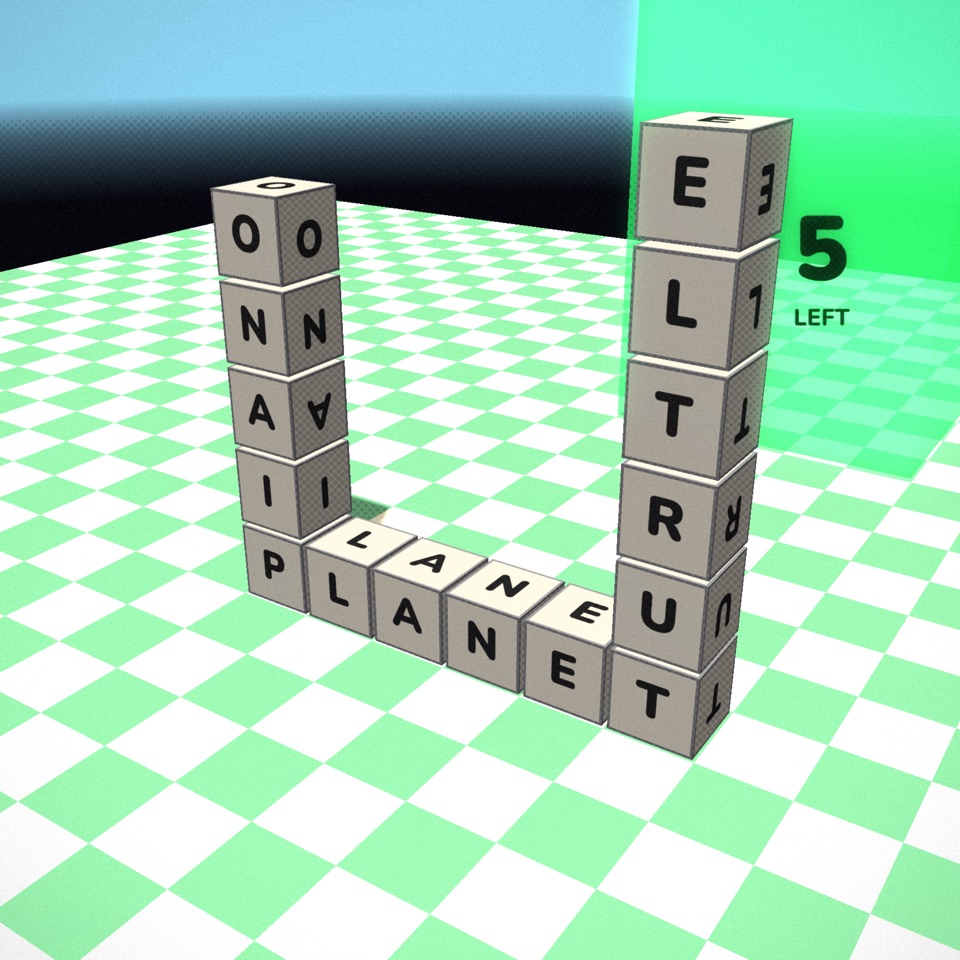
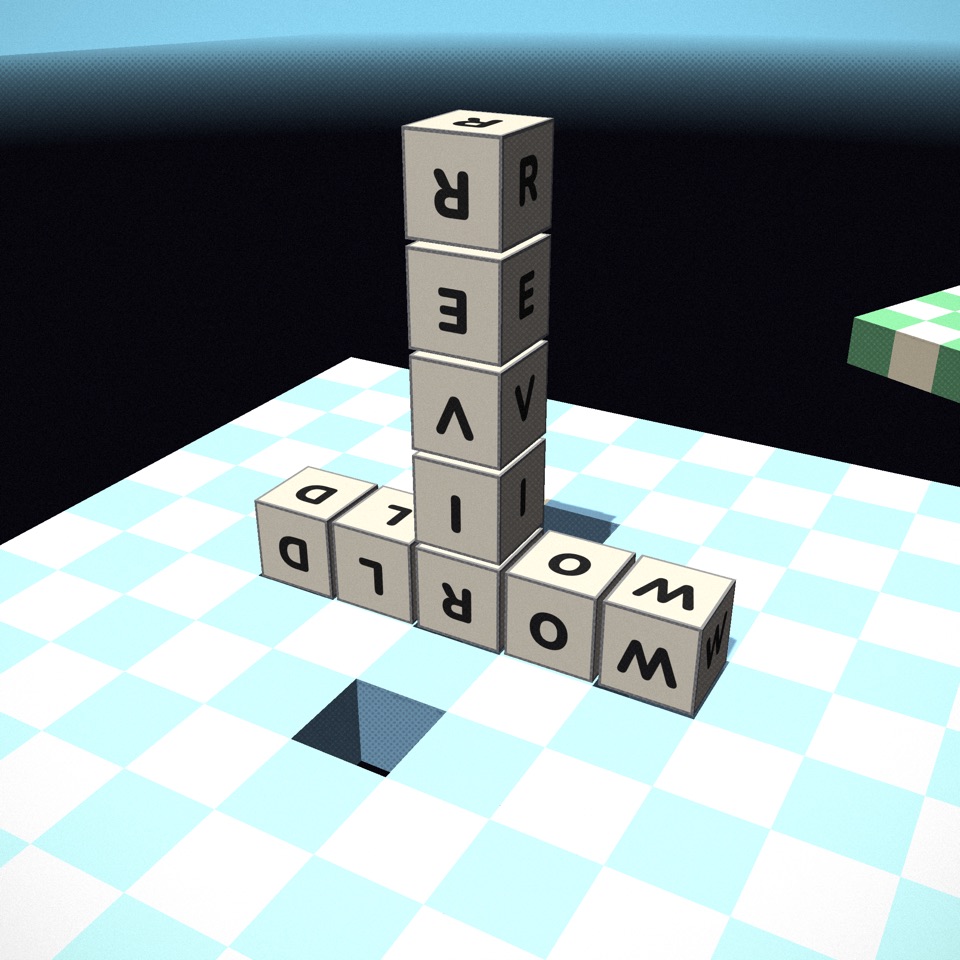
When two words cross, the letters they share must match, just like in a crossword. A word also can't run straight into a cube that is already there, and a new line of letters can't accidentally touch the end of another word and create a jumble that isn't a word. If a placement is blocked, the message bar tells you which letter collided, and the ghost preview shows the clash.
How the physics works
Dandle is not a grid game that happens to look 3D. Each letter is a real physical cube with weight, friction and momentum, simulated sixty times a second. Neighbouring cubes are welded together, so your words form a single body that tips, slides, levers and falls like a real object.
- Words have weight. A long word stuck out to one side shifts the balance point. Build far enough off the edge and the whole thing topples, which is often exactly what you want.
- Placing a word pushes. New letters arrive with a little shove in the direction you aimed. Lots of small words aimed the same way will walk a structure across the floor.
- Height is energy. A tall tower that falls over covers ground fast. Many solutions are "build up, then let it fall towards the goal".
- The edge is final. Letters that fall off the world fade into the void below and are gone. Lose every letter and the level ends; just restart and try a different idea.
The camera follows the letter you have selected, and you can orbit and zoom freely, so it is worth turning the view to check how close you are to an edge or a goal before committing to a word.
Par: the letter budget
Every level has a par: the most letters you may use, counting the starting word. The counter at the top of the screen shows how many you have used and how many are left, and the goal itself counts down the blocks remaining. When you have three or fewer left, the counter turns amber.
Go over par and the goal fades away. Nothing explodes and no menu pops up: your structure stays where it is, and you restart when you are ready. Beating a level records your best (lowest) letter count on the level-select screen, so there is always a reason to come back and solve it with fewer letters.
Controls on desktop and mobile
Keyboard and mouse
- Click a cube to select it, then just start typing.
- Tab turns the aim arrow to the next direction; Enter places the word.
- Shift + W/A/S/D moves the selection to a neighbouring cube; Q/E move it up and down.
- Drag to orbit the camera and scroll to zoom. The arrow keys also turn the camera.
- Esc pauses. 0 hides the on-screen interface for clean screenshots.
Phone and tablet
Tap a cube and type on Dandle's own on-screen keyboard. The Rotate key in the bottom-left corner turns the aim arrow, and Place puts the word down. Drag with one finger to look around and pinch to zoom.
Every level mechanic
The 30 campaign levels each introduce one idea and then build on it. Here is everything you will meet, roughly in the order it appears. The level guide covers each level individually.
The goal
Most levels end when any of your letters touches the glowing green goal. Some goals sit on the floor, some float in the air, and some are on top of a tower you will need to reach.
Walls, gaps and drops
Solid walls block the way; you can build over them, around them, or lean a tall word against one and topple over the top. Gaps between platforms need a bridge long enough to reach the far side, or enough speed to jump. Some goals sit far below you, so you need to get off the edge in a controlled way.
Danger zones
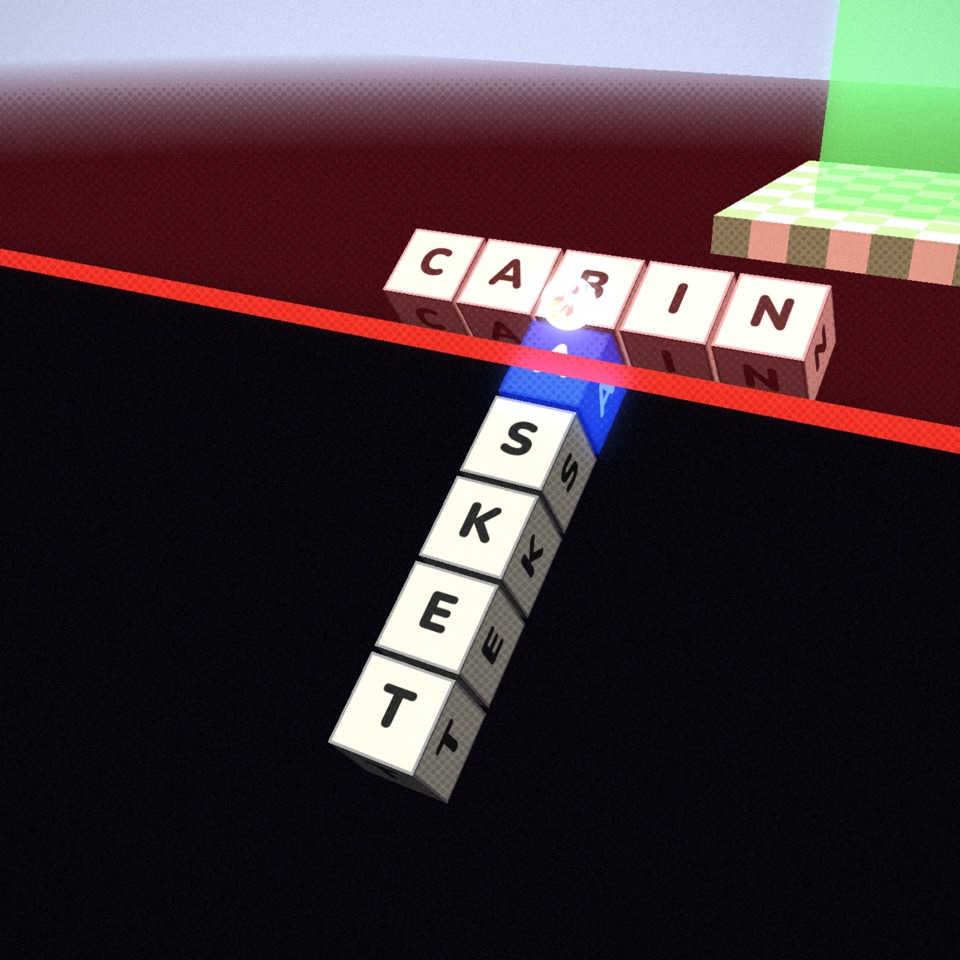
Glowing red zones destroy any letters that touch them. Treat them as lava: you can lean out over them, but nothing may rest inside.
Spinning platforms
A spinning platform turns slowly and carries whatever is on it. Build on it and your structure swings around with it. Timing your next word to the right moment in the spin is the trick.
Sticky honey blocks
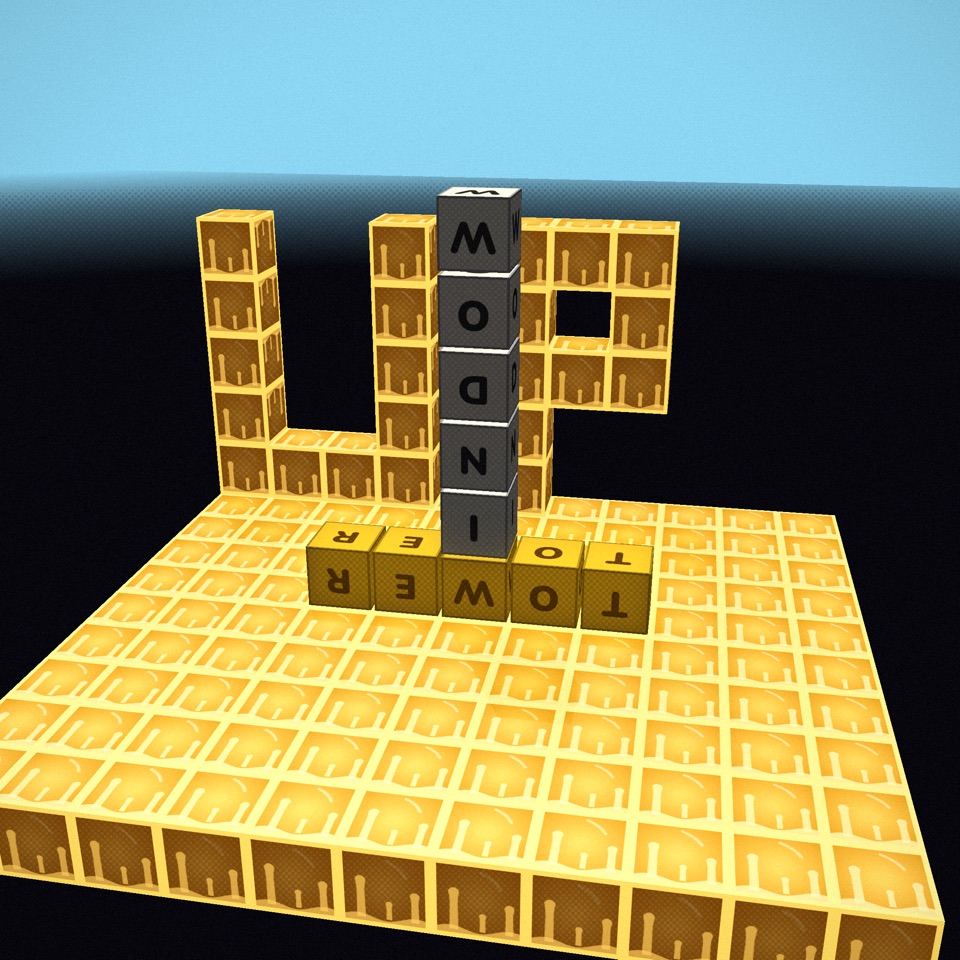
Honey-coloured blocks grab any letter that touches them and hold it fast. That makes them anchors: weld a word to a sticky wall and you can build out over a drop without falling. It also means you can't slide away again, so choose where you touch carefully.
Moving blocks
Moving blocks slide back and forth along a track. Their tops sit flush with the floor grid, so you can build onto them and ride. Later levels use them as traffic: cars cross the road and shove anything in their way.
Letter zones
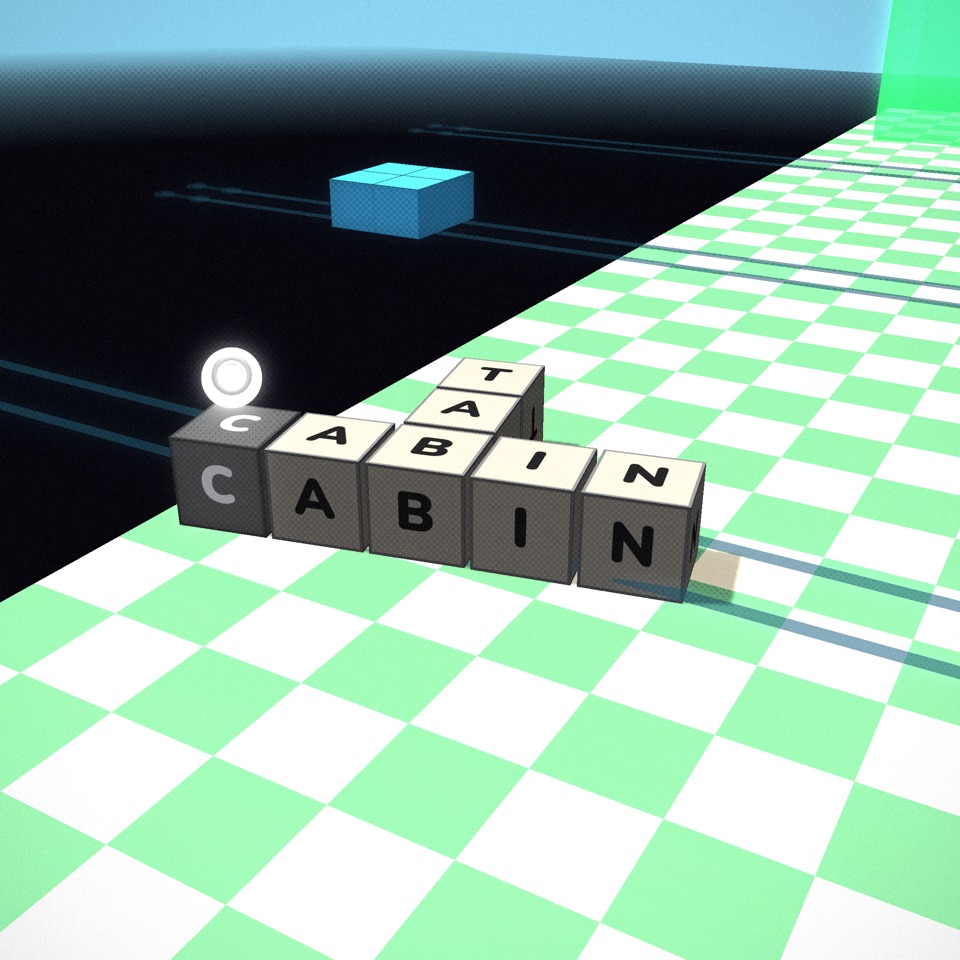
Coloured floor tiles carry a rule. A +E tile dissolves any word that touches it unless the word contains an E. A −O tile dissolves any word that does contain an O. Crossing a strip of letter zones means choosing words that pass every rule on the way.
Zip lines
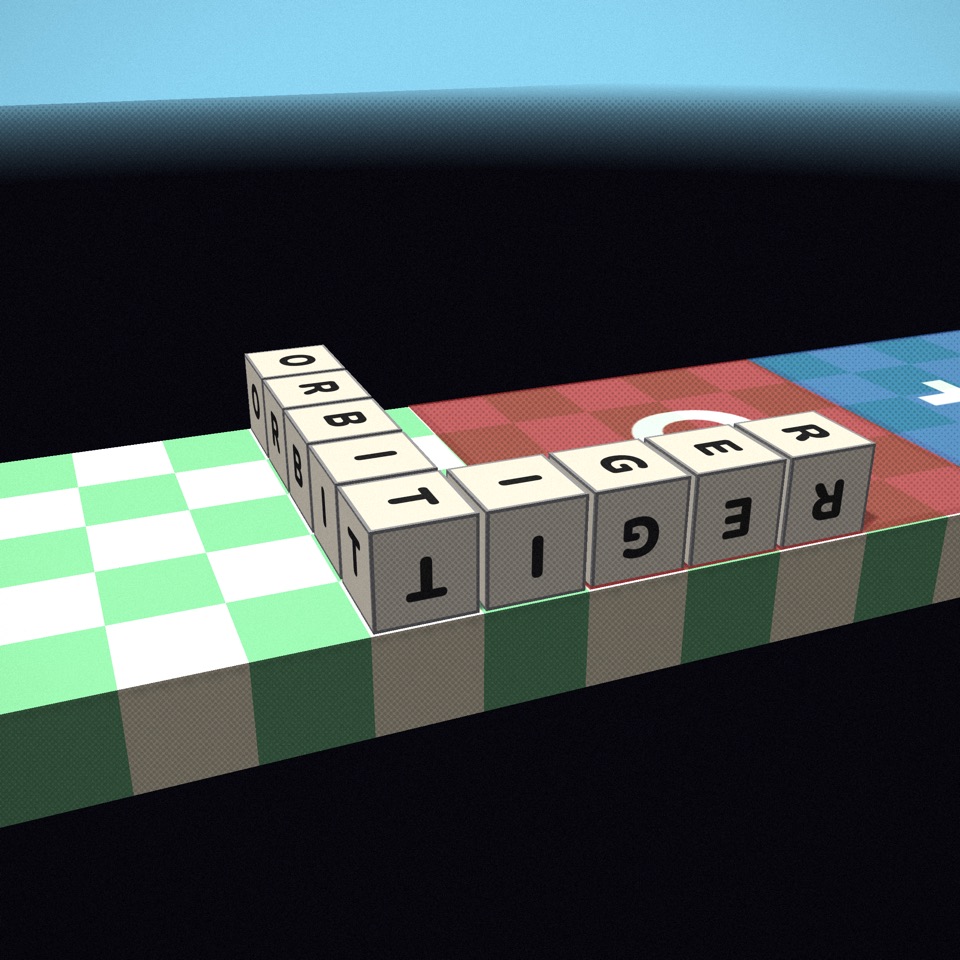
Dark cables stretch across the sky. Build a letter so that it hooks over the cable and the whole structure rides down it like a cable car. Where you hook matters: a structure hung off-centre swings as it slides.
Impulse blocks
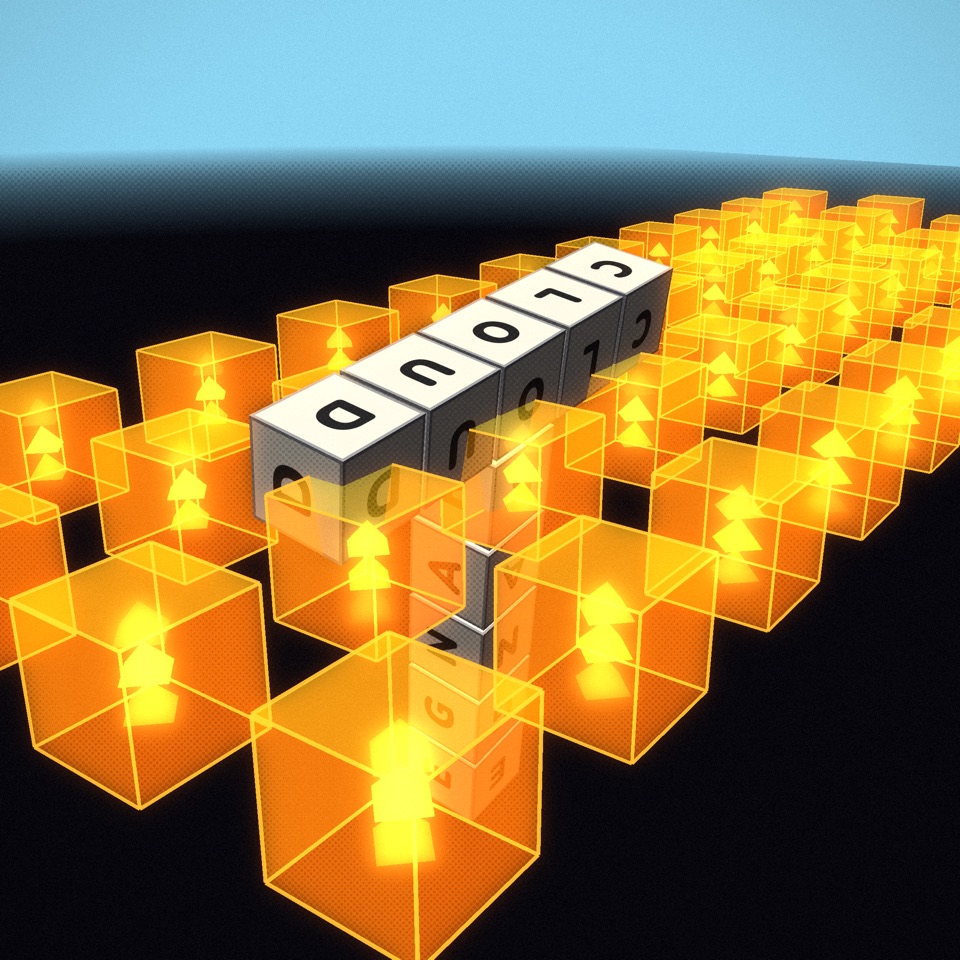
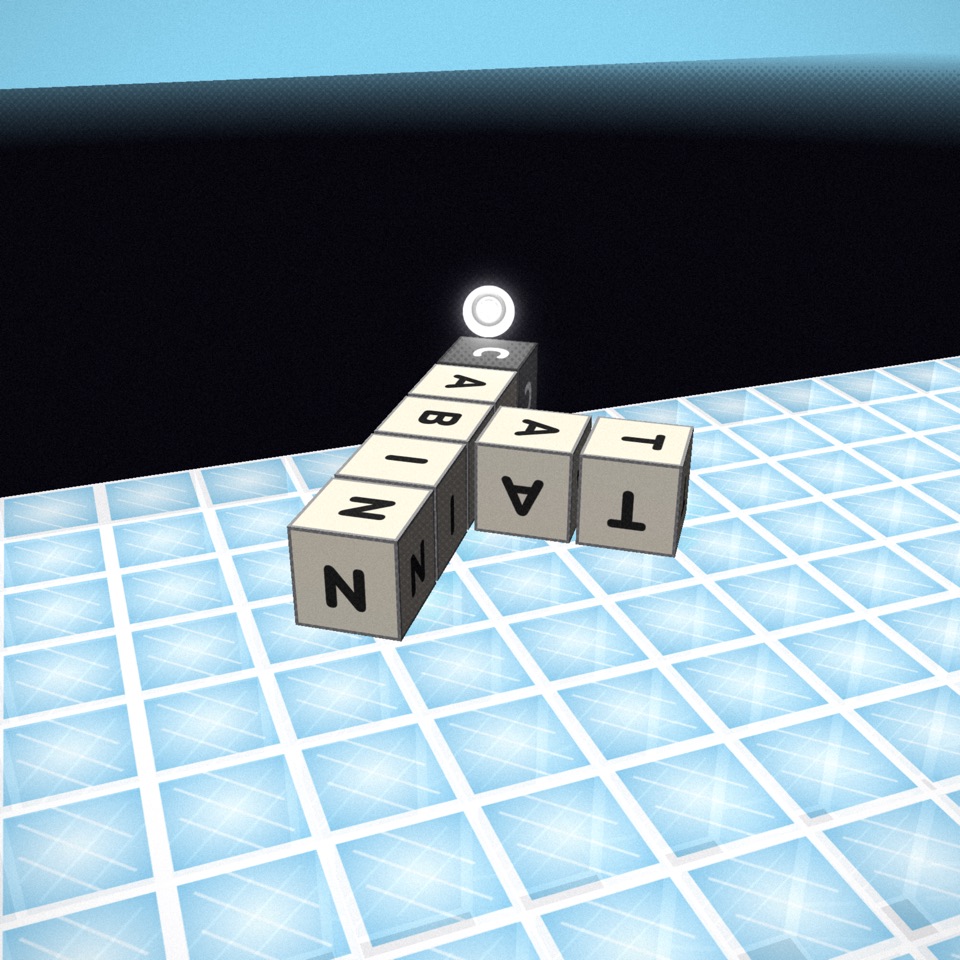
Glowing orange blocks marked with arrows push every letter (and the ball) that touches them in the arrow's direction. Fields of upward arrows act like an updraft that can carry a light word high into the air.
Ice and bounce pads
Pale blue ice tiles have almost no friction: a structure that starts sliding keeps sliding. Ramps of ice turn height into speed. Bounce pads do the opposite of honey and throw letters back up when they land.
Ball goals
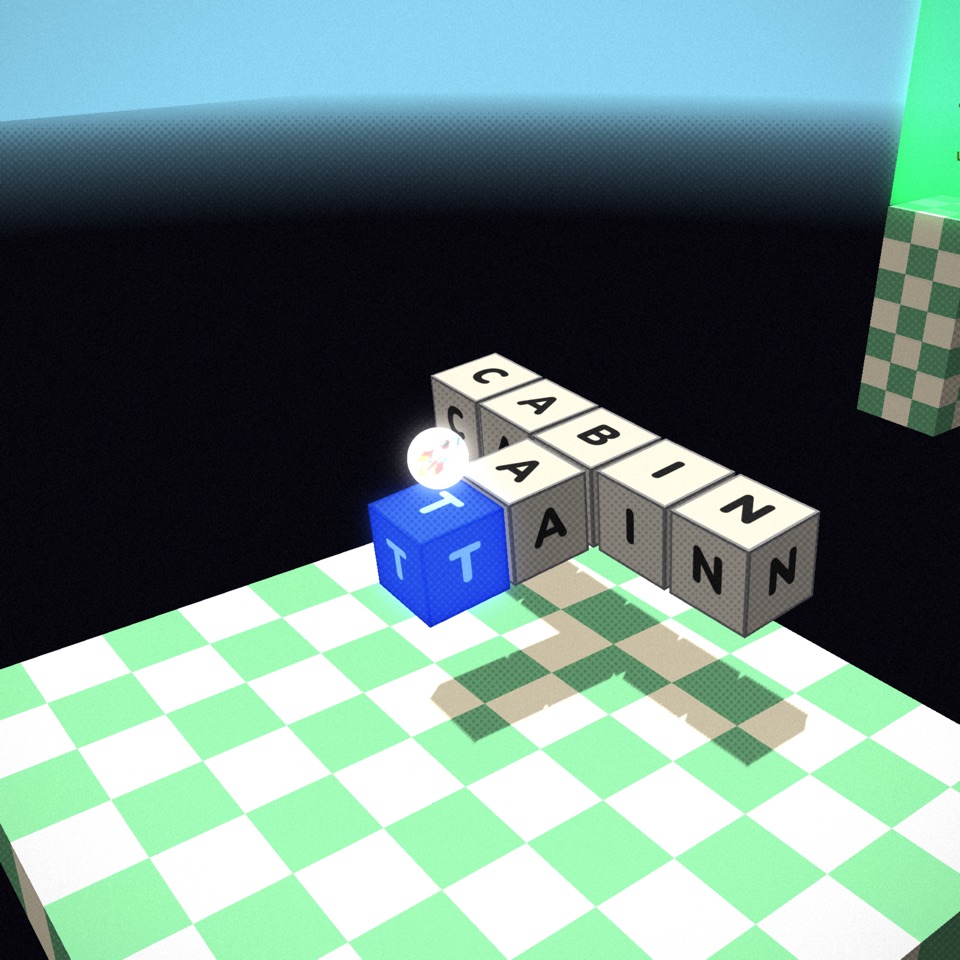
In the football levels the goal is blue, and only the ball counts. You build a structure that knocks, rolls or carries the ball into the goal. Your letters touching the goal does nothing, so think of your words as a bat, a ramp or a bulldozer.
Power-ups: bomb, wheel and thruster
Some levels have a floating power-up. Touch it with any letter to collect it, then choose which letter it attaches to. That choice matters, because each power-up pushes from its own letter and the rest of the structure reacts around it.
- Bomb. Press Detonate and it blasts everything nearby outward. Bombs never break walls or floors; they only push. A bomb under one end of a word makes a catapult.
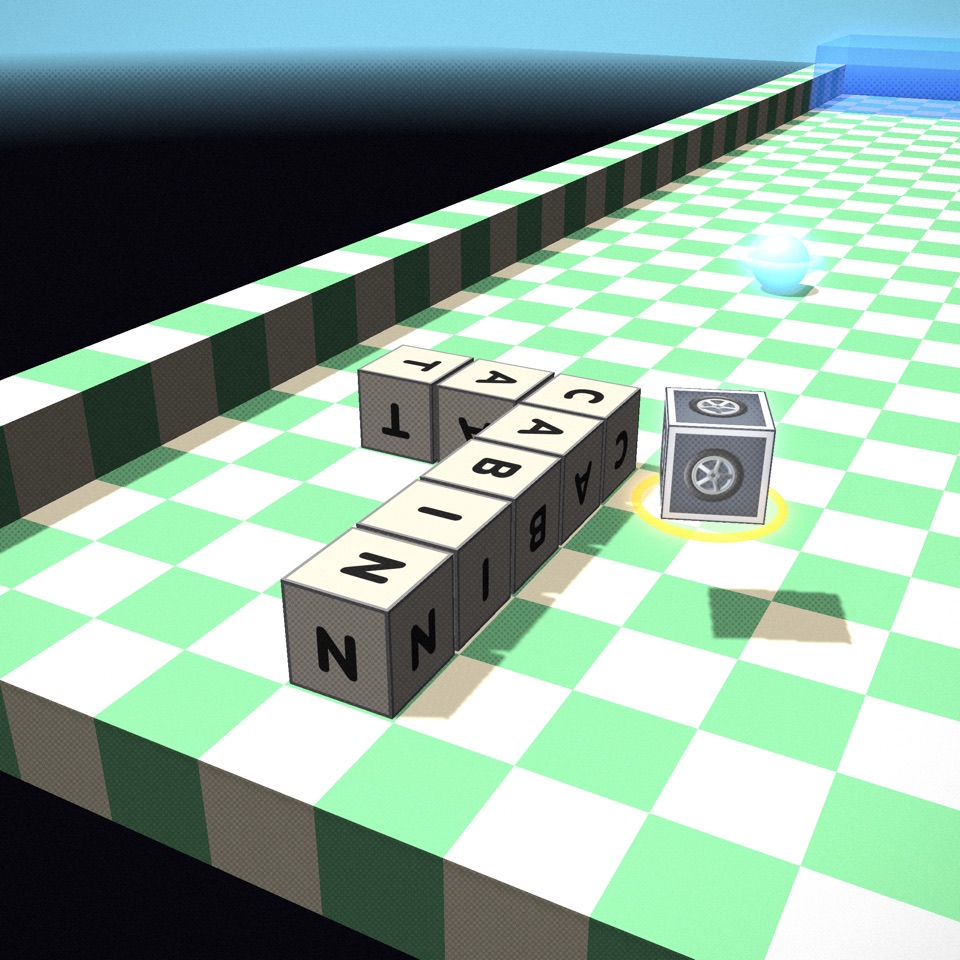
- Wheel. Drives the structure along the floor in the direction of the aim arrow, gripping the road like a tyre. Put it on a letter at the front to be towed straight, or off to one side and the structure curves. A wheel facing up or down has no road to push against and does nothing.
- Thruster. A rocket that pushes out of one face of its letter, in any direction including straight up. Aim it upward to lift off, sideways to fly, and back down to land softly.
Strategy tips
- Look before you spell. Orbit the camera all the way around the level first. Many levels have a short route that is invisible from the starting view.
- Build tall, then topple. A vertical word is cheap height. Add one word sticking out the top towards the goal, and the tower falls that way.
- Use the push. Each placement nudges the structure in the direction you aimed. Aiming three short words forward is a reliable way to inch across a platform.
- Counterweights work. If a bridge starts to tip into a gap, add a word on the opposite side to pull the balance point back over the floor.
- Letters with many uses are precious. Vowels and common consonants (E, A, R, S, T) are easy to build from. If your structure only offers Q, X or Z, build towards a friendlier letter first.
- Steer power-ups continuously. As the structure turns, so does the face a wheel or thruster pushes from. Keep re-aiming, the way you would keep steering a car.
- Count your letters. Before a big word, check the "left" counter. A seven-letter word that wins is better than three short ones that leave you one letter short.
Making your own levels
Dandle includes the same level editor the campaign was built with. Paint floors and walls, drop in goals, honey, ice, impulse blocks, moving blocks, zip lines, spinning platforms, balls and power-ups, then press Play Test.
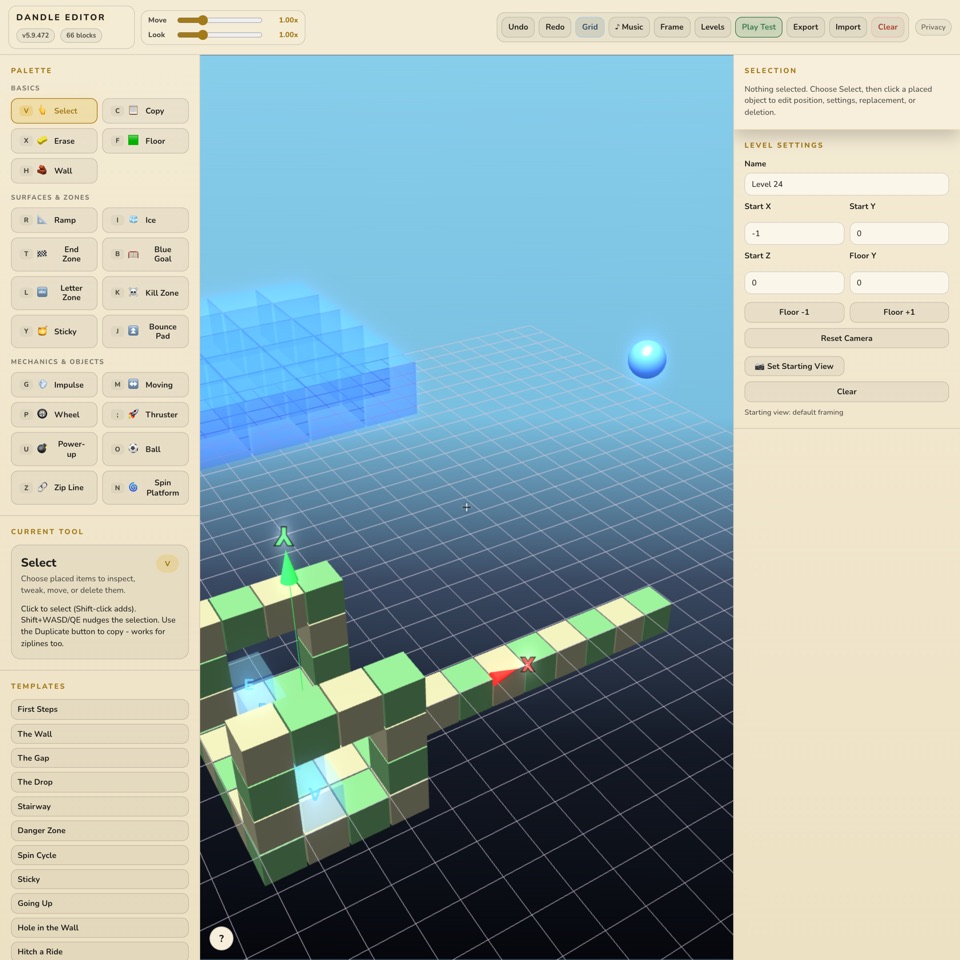
Publishing is earned: you can only publish a level after beating that exact version yourself in Play Test. Your winning letter count becomes the level's par, so every community level is proven solvable and has a fair target.
Common questions
Why was my word rejected?
Usually one of three things: it isn't in the dictionary, it doesn't contain the selected letter, or it would collide with a cube that is already there. The message bar names the problem, and the ghost preview shows where.
Does it matter what kind of word I use?
Only its letters and length. Nouns, verbs and adjectives all weigh the same. A longer word reaches further and adds more weight.
My structure fell off the edge. Can I undo?
No, but restarting is instant and the starting word changes, which often suggests a new idea.
Can I play on my phone?
Yes. Dandle runs in any modern mobile browser and has its own on-screen keyboard. A recent phone handles even the busiest levels.
Is Dandle free?
The full 30-level campaign is free, with an occasional short ad between levels. Community levels are a one-time $2.99 purchase that also removes all ads. Paying never changes gameplay. See About Dandle.